
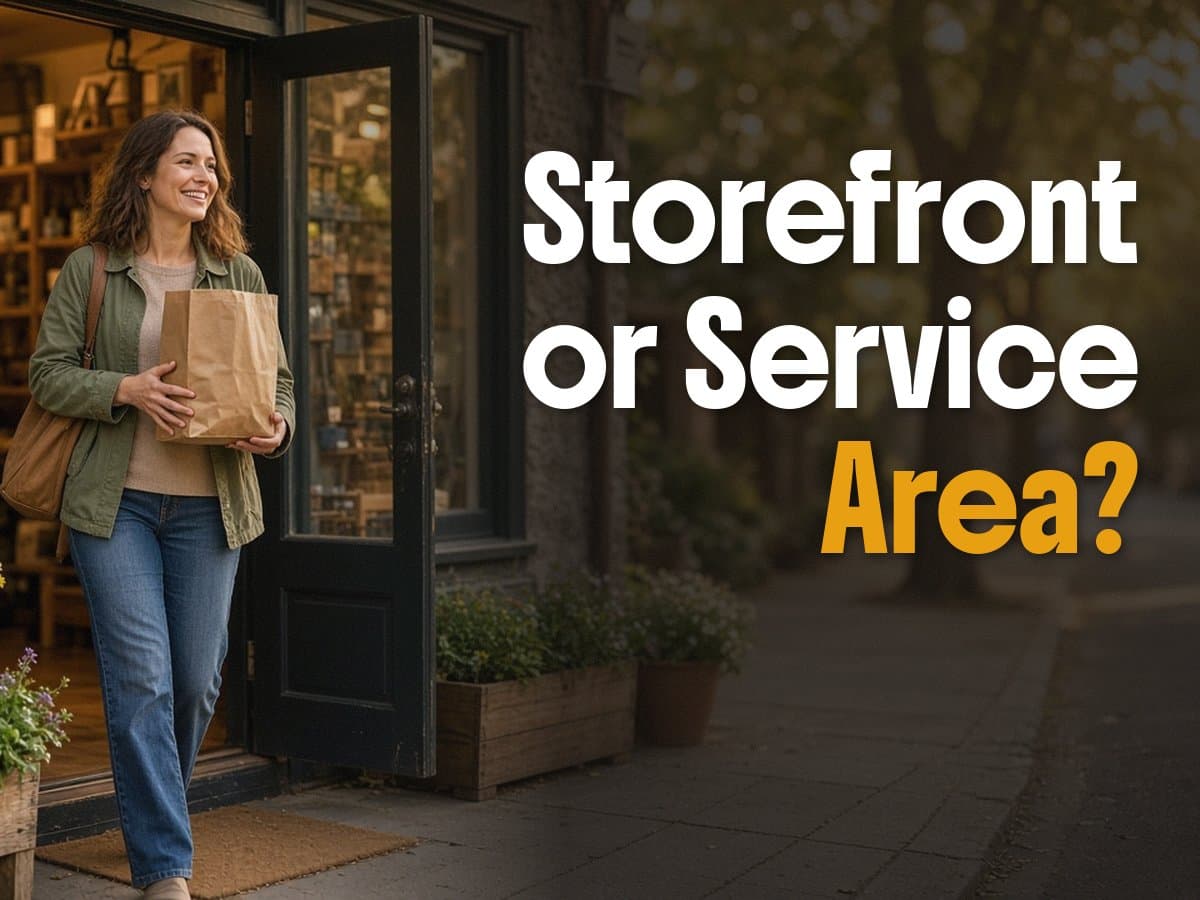
Service Area Business or Storefront? Why Your Google Setup Might Be Costing You Calls
You're a plumber working out of your garage. No storefront, no sign out front, just a truck and a service radius that covers three or four cities. When you set up your Google Business Profile a few years back, you probably filled in an address because that's what the form asked for first. Maybe it's still sitting there today: your home address, visible to anyone who searches your business name.
That single setting decides a lot more than most owners realize. Google treats storefront businesses and service area businesses differently, and picking the wrong one, or never revisiting the choice, can quietly cap how far you show up in local search.
Two categories, two very different setups
Google Business Profile splits local businesses into two types. A storefront business has a location customers travel to: a retail shop, a restaurant, an office with a waiting room. Google displays that address publicly and uses its exact location as a ranking signal, since proximity to the searcher matters directly.
A service area business (SAB) works the other way. You go to the customer, not the reverse. A plumber, an HVAC tech, a landscaper, a mobile pet groomer. For these businesses, Google lets you hide your street address and instead list the cities or zip codes you cover. Searchers still see your business name, phone number, hours, and reviews. They just don't see your home address pinned on a map.
The mismatch shows up constantly. A contractor who works from home sets up their profile as a storefront because the setup wizard defaulted to it, and now their personal address is public and their profile is competing on proximity to their house instead of proximity to the neighborhoods they actually serve.
Why this setting changes what you rank for
Google's local ranking runs on three things: relevance, distance, and prominence. Distance is where the storefront-versus-SAB choice matters most.
A storefront business ranks based on how close the searcher is to that one fixed address. If you're a plumber in Roseville set up as a storefront, you'll rank well for searches near your house and fall off fast for a job three towns over, even if you happily drive there every week.
An SAB gets evaluated differently. Google looks at the list of areas you've declared and weighs your relevance within each one, rather than measuring straight-line distance from a single pin. List Rocklin, Lincoln, and Roseville as service areas, and Google has a real shot at surfacing you in all three, instead of just the zip code where you happen to sleep.
Get the category wrong, and you're not just missing a minor setting. You're asking Google to rank you against a location that has nothing to do with where your customers actually are.
The mistake that quietly caps your reach
Picture a landscaping company that covers five cities across the Sacramento region but only lists two of them in their Google Business Profile, because that's what got entered when the profile was created five years ago. Since then the crew expanded, the truck route grew, and the owner started taking jobs in Lincoln and Rocklin regularly. None of that growth ever made it back into the profile.
Google doesn't know the business grew unless someone tells it. The service area list isn't a formality; it's a direct instruction. Leave it stale and you're invisible in the cities you've quietly started serving, no matter how much work you do there.
This is the kind of setting that gets configured once at setup and never touched again, right alongside your hours and your business description. It sits in the background, working against you, until someone thinks to check it.
What to check this week
Log into business.google.com and open your profile. Look at whether your address shows publicly. If customers never visit you, and it's showing, switch to a service area business and hide it. Then check your list of service areas against where you're actually working today, not where you were working when you first set up the account. Add the cities you've grown into. Drop ones you no longer cover, since spreading a profile too thin across cities you rarely visit weakens your ranking everywhere instead of strengthening it anywhere.
If you're not sure your profile is pulling its weight, a second set of eyes tends to catch things an owner staring at the same screen for years will miss. Mustardseed Digital offers a free site and profile audit that checks exactly this kind of setting, along with the rest of what's keeping your business from showing up where it should: get your free audit.
Frequently Asked Questions
- A service area business (SAB) is a Google Business Profile category for companies that travel to customers instead of operating from a storefront customers visit, like plumbers, electricians, landscapers, and mobile detailers. Instead of showing a public street address, an SAB lists the cities or zip codes it serves, and Google uses that list to decide where the business can appear in local search results.
- In most cases, yes. If customers never visit your location, Google Business Profile lets you hide your address and mark yourself as a service area business, showing only your general area (like your city) instead of your exact street. This protects your privacy and tells Google you don't need proximity-based ranking tied to a physical storefront.
- Google allows up to 20 service areas, but listing cities you don't actually serve, or serve rarely, hurts more than it helps. Google weighs relevance and proximity per search, so a profile stretched across too many distant cities dilutes ranking strength in the areas that matter most. List the cities and regions you realistically want to be found in.
- Log into business.google.com, open your profile, and check the business information section. If a physical address is displayed publicly with a pin on the map, you're set up as a storefront. If you see a list of service areas instead of a public address, you're set up as an SAB. Businesses that operate as both, a shop customers can visit plus a service fleet, can display an address while also listing service areas.
What is a service area business on Google?
Should my home-based service business hide its address on Google?
Can I list every city in my state as a service area?
How do I know if my Google Business Profile is set up as a service area business or a storefront?
Ready to grow?
Let's talk about your business.
We work with small businesses in Sacramento, Yuba-Sutter, Lincoln, Rocklin, and Roseville. Start with a free site audit.
Get your free site audit